Buying Refurbished ThinkPad Guide: avoid scams and bad units
A practical, step-by-step buying refurbished ThinkPad guide. Learn the scam checks, battery and port tests, and realistic gaming expectations before you pay.
On this page 6 sections
Key takeaways
- Insist on clear, current photos and a powered-on video that shows the serial number screen, keyboard, screen, and every port before sending money.
- Meet locally or pay through a method with buyer protection, and walk away from sellers who refuse basic verification or rush the deal.
- Check battery health and all USB C ports in person; weak batteries and missing ports are common problems that kill portability and docking plans.
- Expect light gaming from most ThinkPads with integrated graphics, and look for specific models with discrete GPUs if heavier games are a goal.
- ThinkPads are designed for serviceability, so plan simple upgrades like RAM and storage, and confirm parts access on the exact model you are buying.
How to avoid getting scammed when buying a refurbished ThinkPad
This buying refurbished ThinkPad guide starts with the single best filter: only buy what can be verified. Ask for recent, original photos of the exact laptop on a plain surface, showing lid, keyboard, screen on, bottom, and the sides with every port. Request a short video of it booting into BIOS or a system info screen that shows the serial number, then panning across the keyboard and ports.
Use payment that gives buyer protection, or meet in a public place with power and Wi Fi to test. Skip wire transfers and pressure tactics. One ThinkPad buyer on r/thinkpad put the worst case plainly:
...I saw on merketplace a guy, lets make it short, lives in another city, I sent the money, sent me a fake tracking id...
Source: r/thinkpad. If a seller refuses to show proof of life for the exact unit, or will not let basic checks happen, pass. For a deeper walk through of safe steps, use our safe refurb buying and scam checks.
What to check before paying: battery, ports, keyboard, BIOS and upgrades
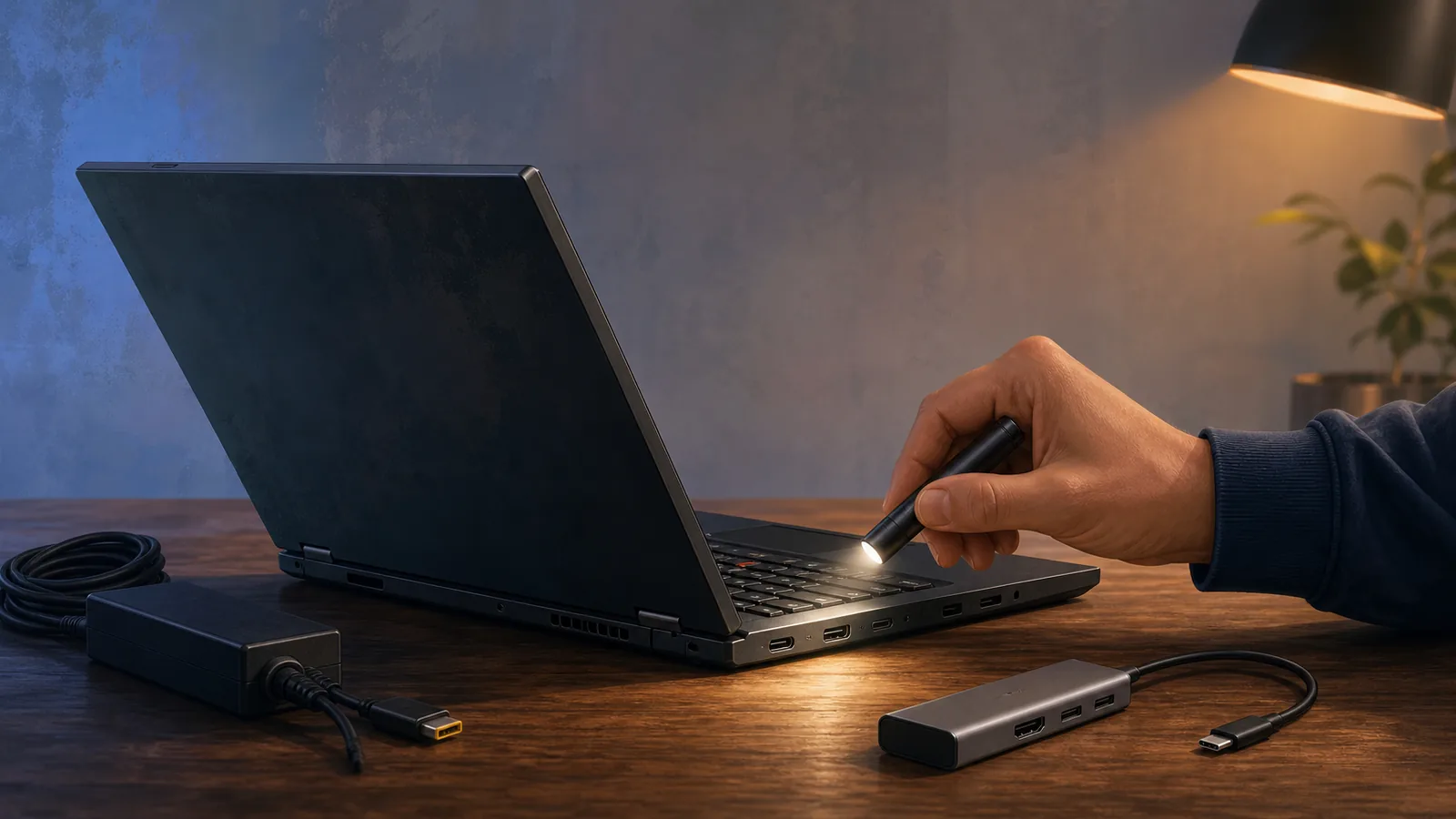
Power it on from cold and listen for odd noises. Tap around the keyboard and trackpad to check for dead or sticky inputs. Look at the screen on white, black, and gray backgrounds for lines, dim patches, or burn in. Plug in headphones, a USB drive, and an external display to exercise audio, USB A, USB C, and video outputs.
Weak batteries show up fast on refurbs. As one buyer shared, “battery health was at 38%” after purchase. Source: r/laptops.
Bring a charger, boot into the system or BIOS, and check remaining capacity and cycle count if available. If the battery is failing, budget for a replacement or negotiate accordingly.
Physically count every port and test each one, especially USB C. A buyer complaint that “One of the USB C ports is jalso ust missing” shows how a single fault can break charging or docking plans. Source: r/thinkpad. Try charging from each USB C port if the model supports it, connect a display, and wiggle the connector gently to spot flaky jacks.
Confirm storage and memory match the listing. In the OS or BIOS, check drive type and capacity, and view SMART or health info if exposed. Verify RAM capacity and that the system reports the expected speed. If you hear clicks from a 2.5 inch drive, plan to replace it.
If future upgrades matter, ask permission to remove the bottom cover and confirm accessible RAM slots and whether an M.2 bay is present. Test wireless by joining Wi Fi and pairing a simple Bluetooth device. Toggle the keyboard backlight and try the fingerprint reader if fitted. Close the privacy shutter, if present, and confirm the webcam feed blanks properly.
ThinkPads are built to be serviced and upgraded. Lenovo confirms that some models are designed for DIY repair and upgrade, including replaceable keyboards, batteries, and upgradable RAM and storage. See Lenovo’s note on this by checking yes, you can fix and upgrade your own ThinkPad. If easy battery swaps are important, Lenovo also states the battery is user replaceable in some L Series models, which you can confirm on the ThinkPad L Series page.
For common fixes and tests you can do after purchase, bookmark our guide to battery, trackpad, and USB-C problem fixes.
Performance expectations for light gaming
Set the bar correctly before you buy. Lenovo notes that many ThinkPad laptops ship with integrated graphics that handle everyday tasks, streaming, and light gaming, which you can confirm on the ThinkPad lineup overview. This is the default for most business models, and it suits indie titles and older games with modest settings.
If heavier games or GPU compute are on the list, look for specific models that include discrete graphics. Lenovo’s documentation shows some ThinkPads offer this, and the ThinkPad T15g Gen 1 can be configured with up to NVIDIA GeForce RTX 2070 or RTX 2080 Max Q graphics, per the official datasheet.
Heat and throttling are real risks on thin machines, especially under sustained load. Check fan behavior during a 10 to 15 minute stress period and watch for sudden drops in performance or loud pulsing fans. For a deeper primer, see our notes on gaming readiness, heat, and throttling.
Lessons from X230 buyers: risk, mods, and goals
Older ThinkPads like the X230 attract tinkerers for a reason: parts are cheap and documentation is deep. That cuts both ways. One hobbyist wrote, “...I found an X230 untested going for $85 dollars so I had to try out this mod...” and also, “...I wanted DirectX 11 support in order to run a couple lightweight games that weren't compatible...”. Source: r/thinkpad.
Untested hardware is a gamble, even at a tempting price. If the plan is to mod, assume there will be surprises and factor in time, tools, and the chance of dead boards or odd firmware. If the plan is daily carry, prioritize clean function over projects, and avoid listings that say “untested” or “for parts.”
Refurbs vary widely in how much is actually refurbished. Some are cleaned and imaged, others get new storage and batteries, and some are only wiped down. That is why your own inspection and a short test session matter more than labels in a listing.
A quick checklist for a safe refurb buy
- Seller verification: ask for the serial number, a powered on video, and photos of every angle of the exact unit.
- Buyer protection: meet locally with time to test, or use a payment method that allows disputes if the item is not as described.
- Ports and charging: plug into every USB A, HDMI or miniDP, and each USB C port, including charging from each USB C jack if supported.
- Battery health: check reported health and cycles if available, confirm it charges up and estimates sensible runtime while idle.
- Input test: type across the full keyboard, press function keys, try the trackpoint and trackpad clicks, and test the webcam and mic.
- Storage and RAM: verify capacity and that the system sees both; plan for upgrades that fit your use and the model’s access panels.
- Screen check: look for bright or dead pixels, backlight bleed, flicker at low brightness, and lid hinge play.
- BIOS and security: confirm there is no BIOS password prompt and that Secure Boot or boot options are accessible if needed.
- Model research: confirm upgradability and graphics level on the exact sub model, and review our best models and upgrade paths.
- Documentation: ask what was actually replaced or tested by the refurbisher, and request a written return window.
Questions people ask
How can I safely buy a refurbished ThinkPad from a marketplace or classifieds?
Ask for current photos of every side, a short power-on video that shows the serial number, and time to test in person. Pay through a method with buyer protection, or walk away if the seller refuses basic verification.
What battery issues are common on refurbished laptops?
Weak or worn batteries are common and cut portability right away. Check reported health and that it charges and holds a reasonable estimate at idle, and be ready to replace the pack if needed.
How do I check USB C charging and docking on a ThinkPad?
Bring a USB C charger and a simple USB C device, then test each USB C port for power input and data or video. Count the ports physically and confirm there are no missing or damaged jacks.
Can most ThinkPads handle light gaming?
Lenovo states many ThinkPads with integrated graphics can handle everyday tasks and light gaming. For heavier titles, choose models that include discrete GPUs, confirmed on the exact model’s documentation.
Are ThinkPads easy to upgrade after purchase?
Lenovo notes that some ThinkPads are designed for DIY repair and upgrades, including replaceable keyboards and batteries plus upgradable RAM and storage. Check access on the exact model before you buy.
Which refurbished ThinkPad models have user replaceable batteries?
Lenovo indicates some L Series models have user replaceable batteries. Verify on the product page for the exact configuration you are considering.