Avoid used business laptop scams on eBay and Facebook Marketplace
A practical checklist to avoid BIOS-locked, stolen, or misrepresented business laptops on eBay and Facebook Marketplace, plus what to do if a deal goes bad.
On this page 10 sections
- Key takeaways
- How to avoid scams when buying used business laptops
- Spot BIOS and firmware locks before you pay
- Check for stolen or managed devices
- Safer buying on eBay versus Facebook Marketplace
- Listing and price red flags to walk away from
- Battery health, screen, keyboard, and ports
- Light gaming expectations on used business laptops
- Ask for proof before meeting or checking out
- If you get a bad unit, act quickly
This guide focuses on used business laptop scams ebay facebook marketplace bios password stolen laptop issues so you can verify listings before you pay and avoid locks or misrepresented units.
Key takeaways
- Require proof the laptop is not BIOS locked before paying. Ask for a cold boot video that shows entry into BIOS Setup with no password prompt, because HP says it cannot reset a lost BIOS password on HP Business PCs and the system board must be replaced, and Dell explains recovery may require proof of ownership or a motherboard replacement.
- On Facebook Marketplace, slow the process and verify everything. Meta says scammers often try to rush people, so pause, check, and report scams.
- On eBay, protection applies when an item does not arrive or does not match the listing description. Read descriptions and photos closely because second-hand items are often sold as-is unless stated, and you can open a case if it is not as described.
- Screen the battery and basic hardware before you commit. Use our guide to battery health and wear checks before you buy.
- Stick to a safe, step by step process. Start with a safe deal first for used business laptops mindset, then verify locks, ownership, condition, and price.
How to avoid scams when buying used business laptops
The fastest way to lose money on a used ThinkPad, Latitude, or EliteBook is a firmware lock, a misrepresented listing, or a rush to pay. Slow down, ask for proof, and walk away if anything is unclear. This section gives a safe sequence you can follow on eBay or Facebook Marketplace. This guide addresses used business laptop scams ebay facebook marketplace bios password stolen laptop risks so you can verify listings before you pay.
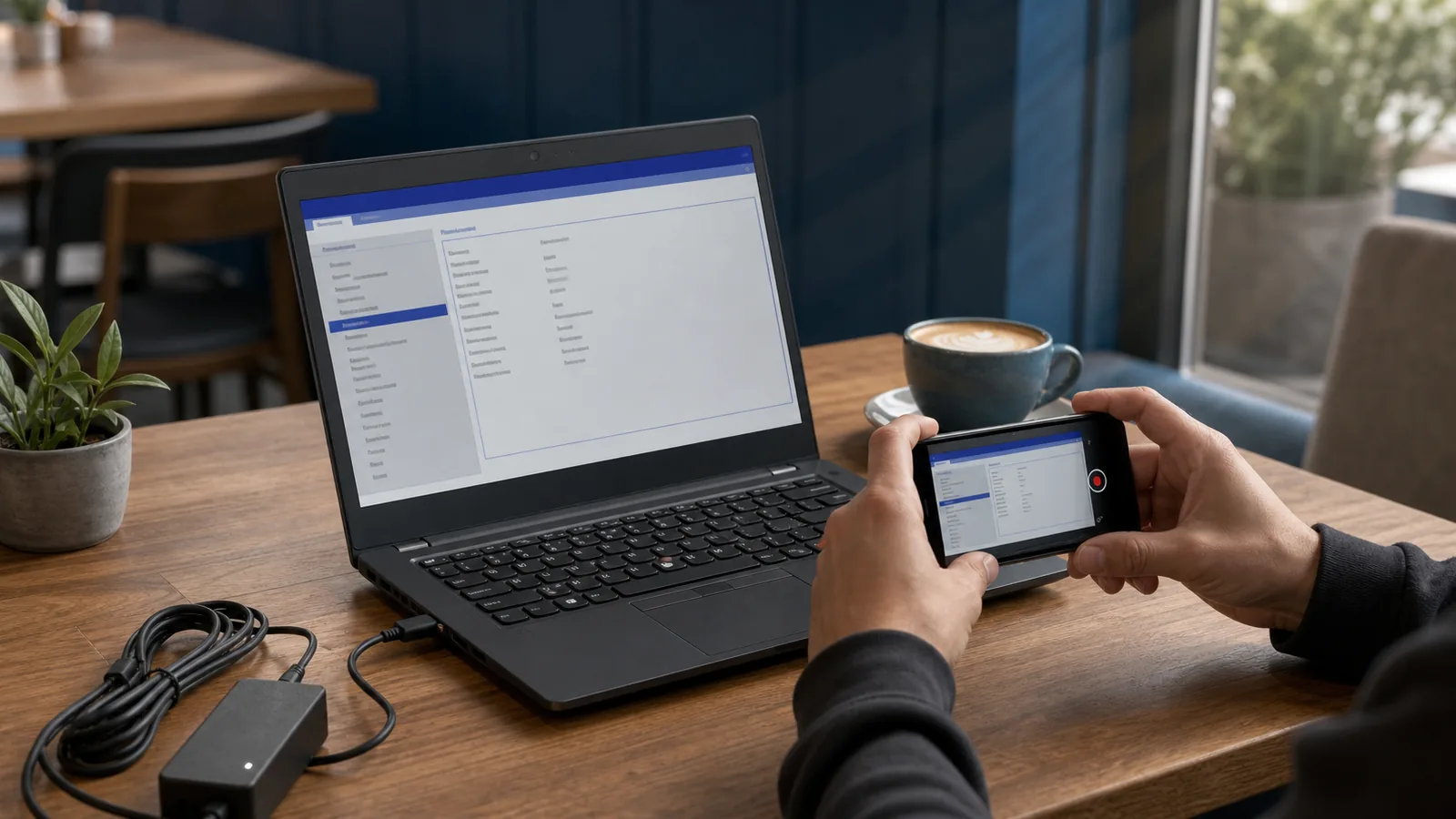
- Ask for a cold boot video. It should show power off to BIOS Setup without any password prompt, then an exit back to the OS.
- Confirm the exact model and specs in writing. Use the seller’s photos of the info screen and the BIOS pages, not stock images.
- Check for signs of company ownership. Visible asset tags, etched inventory numbers, or removed stickers are a risk signal.
- Request a current battery health report and clear photos of the screen, keyboard, and ports. Use our battery health and wear checks before you buy.
- Compare multiple listings to sanity check the price. If the price story does not make sense, do not try to make it work.
Spot BIOS and firmware locks before you pay
Firmware locks turn a cheap laptop into a repair bill. HP states it cannot reset a lost BIOS password on HP Business PCs, and that the system board must be replaced. You can read that policy on HP’s support page.
Dell’s guidance is similar. A forgotten BIOS password may require proof of ownership and, if recovery is not possible, a motherboard replacement. See Dell’s support article.
Do not accept “works fine” as proof that BIOS Setup is accessible without a password. Require the seller to show entry into BIOS Setup from a cold boot, with no password prompt, and to navigate through settings pages. If they cannot or will not provide that proof, skip the listing.
"blocking me from entering BIOS setup"
One poster on r/laptops described this exact issue and was locked out of settings here. If you need model-specific risks and what a lock looks like on each brand, use our brand specific lock risk guides for ThinkPad, Latitude, and EliteBook.
Check for stolen or managed devices
Most people selling a personal laptop can show how they got it. Ask for proof of purchase, a photo of the serial number, and matching photos of the same label inside BIOS. Be wary of laptops with fresh scrapes where an asset tag used to be, or stickers that say property of a company or school.
If you are meeting locally, pick a public spot with power and Wi Fi. Verify the serial number, log in to BIOS, and confirm the seller’s name matches any available documentation. Do not accept a story that changes when you ask simple questions.
Rushing is a classic tactic. Meta advises that scammers often try to rush you, so slow down and verify details. If a seller insists on speed over clarity, walk away.
"I lost $40"
As one buyer wrote on r/thinkpad after a lock issue, small losses add up. The safest deal is the one you do not make when the basics do not check out.
Safer buying on eBay versus Facebook Marketplace
Each platform has different risks. On eBay, read the full description and study every photo. eBay’s second hand item terms say items are often sold as-is unless a warranty is stated, so only rely on what is written and pictured.
eBay does offer help when an item does not arrive or does not match the listing description. You can learn how to open a case on eBay’s help page.
Because in person Marketplace transactions are handled between buyer and seller, rely on in person verification. Keep the meeting public, test the laptop, and avoid pressure to pay before you see it. Meta recommends slowing down, checking before engaging, and reporting scams.
If you prefer a step by step framework for choosing where and how to buy, start with our safe deal first for used business laptops guide.
Listing and price red flags to walk away from
- Stock photos or a single blurry photo. Ask for clear photos of the actual device, including BIOS screens.
- Missing or vague specs. The model, CPU, RAM, storage, and screen resolution should be spelled out and shown.
- A story that leans on urgency. Slow down and verify. If a seller gets annoyed by basic checks, that is a choice point.
- Prices that do not match the listing details. Compare similar configurations and ask how the seller set the price.
"The price for this model is over $2300 new at HP."
One commenter on r/buildapcsales said this while discussing a refurbished model here. Treat any price claim as a lead to verify, not a reason to rush.
For short stock or surprise deals, scarcity can cloud judgment. Another r/buildapcsales note was that stock for some deals sells out quickly. Take that as a cue to decide your criteria in advance, not to skip checks.
Battery health, screen, keyboard, and ports
Weak batteries and hidden damage are common on used business laptops. Ask for a battery health report, a photo of the cycle count page if shown in BIOS, and a screenshot of charge capacity. Use our battery health and wear checks before you buy to know what to request.
Ask for photos of the screen on a white background to catch lines or spots. Request a short video of every port tested with a mouse, charger, or display adapter. For the keyboard and trackpad, ask for a 10 second typing video and a quick pointer movement test.
If a seller cannot provide simple proof of condition, move on. There will always be another listing.
Light gaming expectations on used business laptops
If gaming is part of the plan, confirm that the CPU and graphics match what is shown in the listing photos and BIOS. Ask the seller to show the GPU name on screen and to run a simple windowed test to prove stability.
For realistic targets and model ideas, see our guide to light gaming performance on used business laptops. Use that to decide what you need before you shop, so you do not overpay for features you will not use.
Ask for proof before meeting or checking out
- Identity and ownership: ask for a first name and a photo of any receipt or order page with personal info covered.
- Power on and BIOS access: require a cold boot video that shows BIOS entry with no password prompt.
- Condition: get photos of the lid, corners, hinges, and bottom panel, plus screen on white and black.
- Battery: request a health report and a picture of any battery info in BIOS.
- Accessories: confirm the charger is included and shown in photos. Ask for the wattage printed on the brick.
Document these in the message thread. If you end up filing a dispute on eBay, that record supports that the item did not match the listing description.
If you get a bad unit, act quickly
On eBay, open a case as soon as you verify that the item does not match the listing description or fails to arrive. Start on eBay’s help page and follow the process there.
On Facebook Marketplace, collect all evidence from your messages and transaction. Meta advises you to report scams, and sharing details can help others avoid the same seller.
Use this quick checklist to keep outcomes specific and safe:
- In messages: require a cold boot video into BIOS Setup with no password prompt, plus photos of the BIOS info pages that show the exact model, CPU, RAM, and storage.
- Identity: ask for a clear photo of the chassis serial label and a matching serial number shown inside BIOS.
- Battery: request a battery health report and a visible cycle count photo if BIOS exposes it.
- Condition: ask for screen photos on white and black, a 10 second typing clip, pointer movement, and a short video proving every port works with a mouse, charger, or display adapter.
- Accessories: confirm the charger is included, ask for the wattage printed on the brick, and have the seller show the system charging.
- At meetup: plug in, re enter BIOS to confirm no password prompt, match the serial again, and recheck the battery report before paying.
- If it goes bad: on eBay, open a case via eBay’s help page. On Marketplace, report the seller using Meta’s safety tools and include your message thread and photos.
Questions people ask
How can I tell if a ThinkPad, Latitude, or EliteBook is BIOS locked before buying?
Ask the seller for a cold boot video that shows the laptop powering on and entering BIOS Setup with no password prompt, then navigating through settings and exiting. If they cannot show that, skip the deal. For brand by brand risks, see our brand specific lock risk guides for ThinkPad, Latitude, and EliteBook.
Does eBay protect me if the laptop arrives with a BIOS password or different specs than listed?
eBay says buyers can get a refund when an item does not arrive or does not match the listing description. Save the listing and your messages, then open a case through eBay’s process.
What proof should I ask for on Facebook Marketplace before meeting?
Request photos of the actual device, a photo of the serial number and matching BIOS screen, a battery health report, and a cold boot video into BIOS. Meet in a public place with power so you can verify the same proof in person. Slow down and verify details if the seller tries to rush you.
Is buying a used business laptop a good idea for light gaming?
Yes, if you match your expectations to the hardware and verify condition. Confirm the exact CPU and graphics, make the seller prove stability, and use our light gaming performance guide to choose models that fit your games.
What should I do if the seller refuses to show BIOS access or a battery report?
Walk away. Locks and weak batteries are common on ex corporate machines, and replacing a system board or battery can erase any savings. There will be another listing that passes basic checks.
Are second hand laptops on eBay sold with a warranty?
Often not. eBay’s second hand terms say items are sold as-is unless a warranty is stated in the listing, so rely only on what is written and pictured.
Sources
- https://www.dell.com/support/kbdoc/en-us/000140298/dell-support-for-lost-bios-password?msockid=21e1bc83f15769273e36aa52f0d2685a
- https://support.hp.com/us-en/document/ish_9535708-9536016-16
- https://www.ebay.com/help/buying/resolving-problems-seller/resolve-problem-item-not-received?id=4701
- https://docs.ebay.com/document/3503b08a-5b5b-486b-b540-48a34be7c570
- https://www.meta.com/en-gb/safety/topics/safety-basics/tools/avoid
- https://www.reddit.com/r/laptops/comments/1th7s07/bios_locked_hp_elitebook_laptop_otherwise_works/
- https://www.reddit.com/r/thinkpad/comments/1q3lule/disappointing_experience_with_bios_lock/
- https://www.reddit.com/r/buildapcsales/comments/1v7c2zp/laptop_factory_refurbished_hp_elitebook_x_g1a/